
Pulse Mail
Every account in one unified inbox, or up to five side by side. A fast, native Mac mail app with AI built in to summarize, sort, draft, translate and answer questions about your mail.
How it works: Try it free for 14 days. When the trial ends, the app asks you to buy, with checkout through Lemon Squeezy.
AI built into your inbox.
Use your own key for Grok, Claude, ChatGPT or Cursor, or Apple Intelligence on this Mac. AI is optional, and your keys stay on your Mac.
Grok briefing
Grok reads the last 48 hours across your inboxes and gives you a short summary. Then it lists what needs you: replies, deadlines, tasks, calendar items and follow-ups.
Ask your inbox
Ask a question about your mail in plain English. Answers come from your synced mail with numbered sources, and Pulse Mail tells you when the answer isn’t there.
AI writing helper
Describe what you want to say and the helper drafts or rewrites the message. It also suggests subject lines and quick-reply drafts.
Summaries, sorting and translation
Get one-line summaries and a morning inbox digest. AI can sort new mail into your Buckets and translate any email.
Everything Pulse Mail does.
Grok briefing
Grok scans the last 48 hours across all your inboxes and writes a short summary. Below it, a list of recommendations shows what needs a reply, which deadlines and tasks are coming, and what to follow up.
Ask your inbox
Type a question like you would ask a person. Pulse Mail answers from your synced mail, cites the messages it used, and says so when the answer isn’t in your mail.
AI writing helper
Open the helper in Compose and describe what you want to say, before or after you start typing. Preview the draft, then use it or ask again.
Quick replies and subjects
Pulse Mail suggests short reply options for a message and drafts the one you pick. It can also suggest a subject line for a new message.
Summaries and morning digest
Each email can get a one-sentence summary that says what’s being asked and by when. A morning digest turns your latest mail into a short, scannable list.
Smart sorting and translation
AI can file new mail into the right Bucket for you. Translate turns any email into your language and keeps the meaning and tone.
Your choice of AI
Use Grok, Claude, ChatGPT or Cursor with your own API key, or Apple Intelligence on this Mac. AI is optional, and your keys stay on your Mac.
Connect your agents
A built-in MCP server lets Grok, Cursor or Claude agents work with your mail. They can list, search and read messages, draft and send replies, and archive messages, through Pulse Mail on your Mac.
Unified inbox
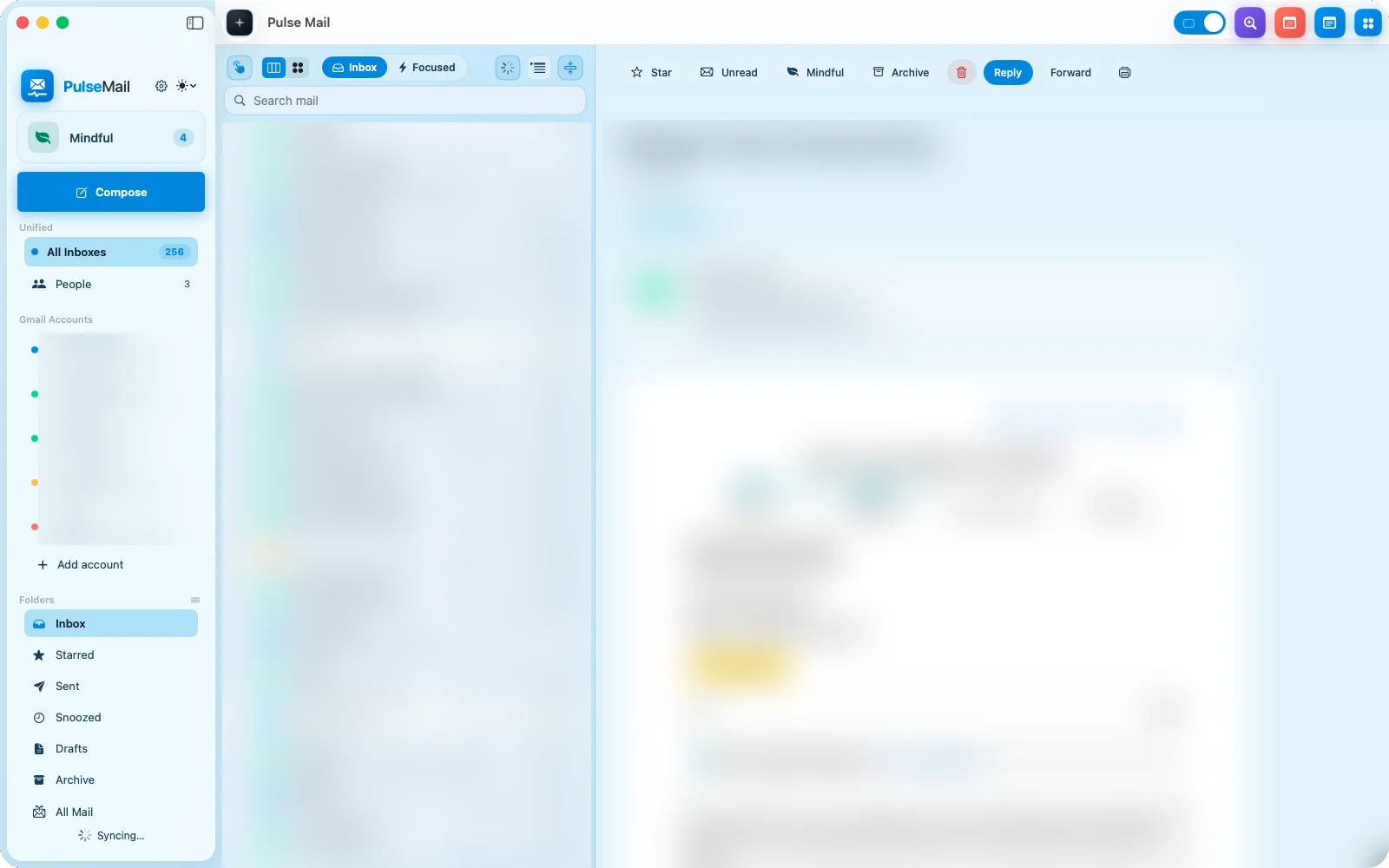
All Inboxes brings every account into one list. Pick any single account from the sidebar when you want just that one.
Inbox Cluster
See up to five accounts in columns, side by side on one big screen. Each column scrolls on its own.
Multiple Gmail accounts
Add several Gmail accounts and sign in with Google. Each account gets its own color, so you always know where a message came from.
Any IMAP account
Gmail, Outlook, iCloud, Yahoo and any IMAP account work in one app. App-password accounts are supported too.
Inbox and Focused
Switch between your full Inbox and Focused at the top of the message list. Focused keeps the noise out of the way.
Mindful and People
Mindful and People sit right in the sidebar, next to Inbox, Starred, Sent, Snoozed, Drafts, Archive and All Mail. People groups mail by who it’s from.
Buckets
Make your own Buckets and sub-Buckets to group mail the way you think. AI can sort new messages into them.
Act on mail fast
Star, Unread, Archive, Reply and Forward sit above every message. Translate and Quick reply are built in.
Notes, Calendar and browser
Rich Notes, a Calendar and a built-in browser live in the same window. You can open a link or check your day without leaving your mail.
Private by design
Pulse Mail is a local Mac client with no Pulse cloud. Passwords stay in Keychain.
Private by design.
A local Mac client with no Pulse cloud.